
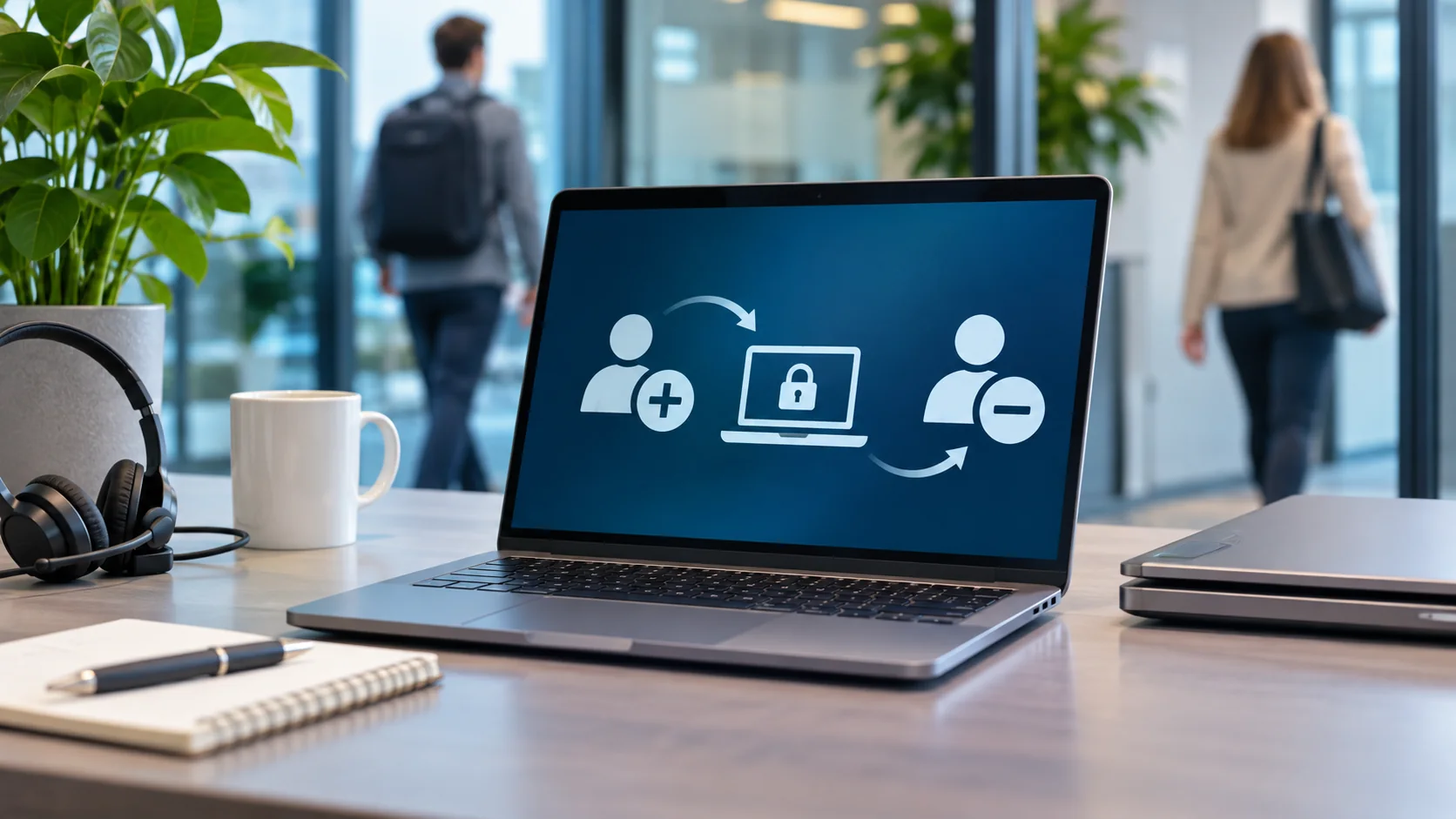
A new employee who cannot sign in on their first day immediately notices that something has not been prepared properly. Far less visible is the risk at the other end of employment: someone who has already left the organisation but can still access files, applications or external systems. Between those moments lies a changing landscape of digital permissions and responsibilities.
Onboarding and offboarding may look like administrative tasks: preparing a laptop, creating an account, collecting equipment and disabling a user. In practice, they affect the continuity and information security of the entire business. Who should have access to company information, who authorises it and when that access should end are not questions IT can answer on its own.
A successful first day starts well before arrival
Preparation begins before the employee walks through the door. A manager understands the work the person will do; HR knows the start date and employment arrangements. IT can prepare the right environment only when that information arrives in good time. Otherwise, access is arranged at the last minute and permissions may be granted too broadly simply to get someone working.
A workplace is no longer just a desktop computer in an office. Depending on the role, an employee may need a laptop, smartphone or tablet, Microsoft 365, specialist business applications and shared information. People working from home or on the move also need secure access beyond the office. A well-managed start makes everything necessary available without automatically opening up other departments' information or confidential records.
That requires a decision by the business. IT can assign permissions, but the responsible manager must determine which applications and information the role requires. When that decision is made in advance, the first day runs more smoothly and access remains easier to manage.
Permissions change even when people stay
Most attention goes to joining and leaving. Yet unnecessary access often accumulates in between. Employees move departments, cover for colleagues or begin using new applications. New permissions are added while old ones quietly remain in place.
Someone who no longer works in finance does not necessarily need continued access to the same records. And a temporary replacement does not need to retain additional privileges indefinitely. Without regular review, permissions gradually cease to reflect the work people actually do.
A change of role therefore deserves the same care as a new appointment. The manager decides what is still needed, what must be added and what should be removed. IT implements and records the changes. This creates an understandable process rather than a succession of individual requests whose original justification becomes difficult to trace.
Leaving involves more than disabling an account
Offboarding reveals why this coordination matters. Disabling a central account is essential, but it may not be enough. An employee may have separate supplier accounts, access to external portals, a VPN connection or business information on mobile devices. Existing sessions and shared credentials may also need attention.
The appropriate response depends on the circumstances. A planned departure allows time for a considered handover; a sensitive departure may require immediate withdrawal of access. Either way, it must be clear who makes the decision, when access ends and who verifies that all relevant systems have been addressed.
At the same time, departure must not mean losing business information. Customer correspondence, documents in OneDrive and information held in Teams or SharePoint may be essential to colleagues taking over the work. A deliberate handover is needed before accounts or data are removed. Privacy also matters: giving someone unrestricted access to a former employee's entire mailbox is not automatically an appropriate way to transfer work.
Devices need equal consideration. Company laptops and phones should be returned or capable of being managed securely at a distance. Where personal devices have been used for work, the organisation needs a way to remove business information without unnecessarily interfering with private data.
A process the business can rely on
The weakness often lies not in the technology but in communication between people. HR knows that someone is leaving, the manager assumes IT has been informed, and the service desk lacks the details needed to withdraw every permission on time. Each part may appear to be doing its job while the overall process remains poorly controlled.
A reliable approach makes it clear who reports a change, who authorises access, what actions are required and how completion is checked. The service desk plays a central part by recording requests, coordinating work, identifying missing information and documenting completion. Responsibility for deciding who should have access remains with the business.
At Malenco, these processes are part of joined-up IT management. Workplaces, Microsoft 365, applications, mobile devices and security are interconnected. Treating employee access as an ongoing responsibility, rather than a one-off account request, makes support more predictable and reduces the likelihood of access being left behind.
Good onboarding is noticeable because everything works when a new colleague arrives. Good offboarding is less visible but just as important: work can continue, company information remains available and the organisation knows that access has ended at the right time.