Software vendors continually release updates. Some address security issues, while others fix bugs or add functionality. Installing updates therefore seems a natural part of IT management. Yet installing every update immediately is not always advisable.
An update can affect existing applications, integrations and business processes. It may also introduce new software components that must not be run without a security check. At the same time, postponing necessary security updates carries risks.
Good vulnerability management and patch management therefore require more than automatically installing updates. They involve understanding the IT environment, assessing risks and implementing necessary measures in a controlled manner.
Identifying and assessing vulnerabilities
Every IT environment contains systems and applications in which vulnerabilities can arise. These may involve outdated software, insecure settings or missing security measures. However, not every vulnerability poses the same risk to the organisation.
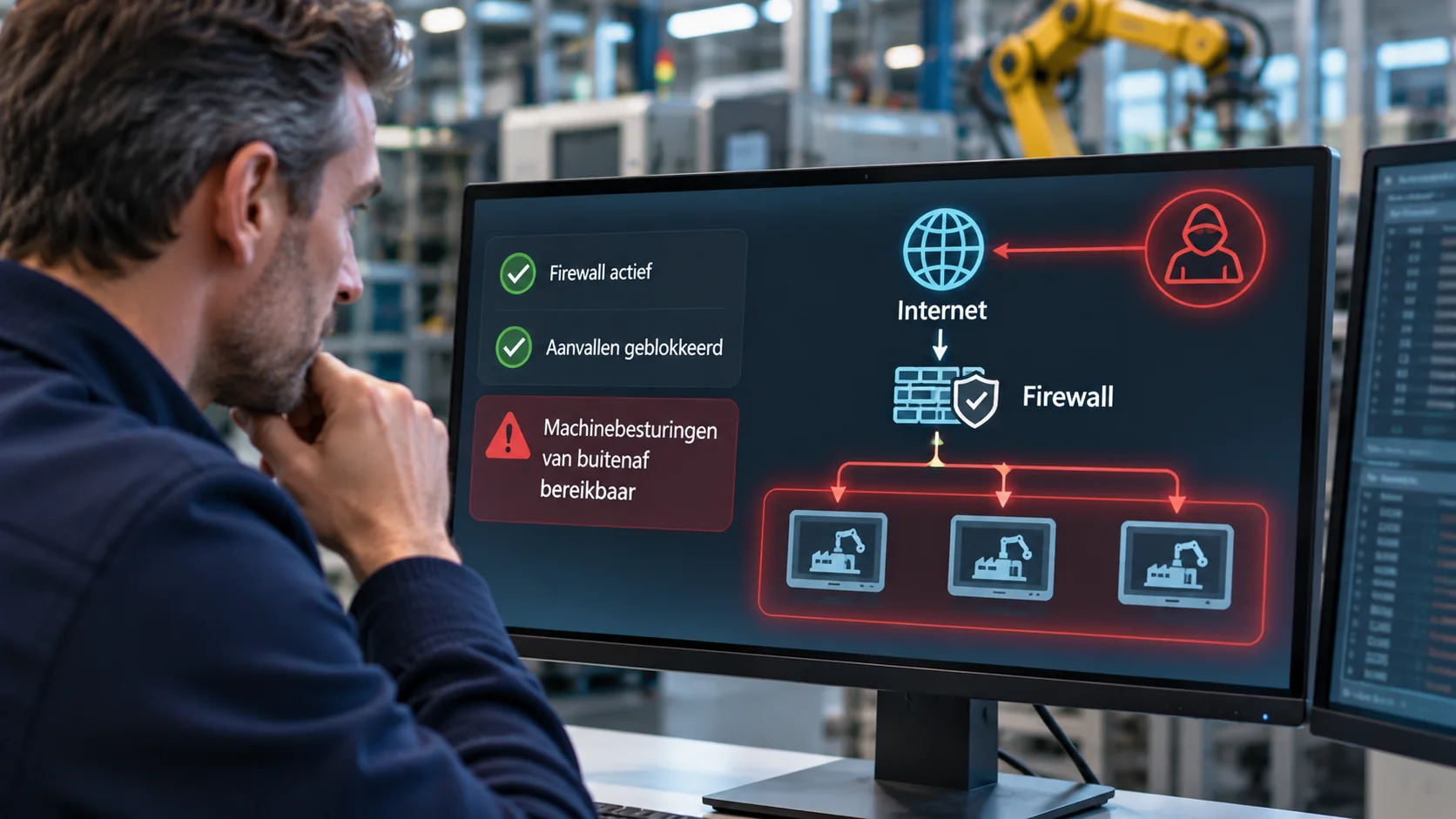
A vulnerability in a publicly accessible application generally calls for a different approach from a similar issue in a restricted system. The impact on business operations also matters. For example, a vulnerability in a business-critical production system can have serious consequences, even if the system is not directly accessible from the internet.
When assessing vulnerabilities, Malenco therefore considers four interrelated factors:
Severity
— What can an attacker achieve by exploiting the vulnerability?Accessibility
— Through which systems, connections or accounts can the vulnerability be reached?Likelihood of exploitation
— Are there indications that the vulnerability is being actively targeted or can be exploited relatively easily?Business impact
— How would exploitation affect the organisation's availability, confidentiality and continuity?
This assessment determines which measures take priority. These may include a security update, a configuration change, restricting access rights or replacing an outdated system.
Patch management involves more than installing updates
Patch management focuses on the controlled installation of software and security updates. For many workstations and standard applications, this can largely be automated. Servers and specialist business applications often require more preparation.
For example, an update may affect an integration with an accounting package, the operation of a production application or support from a software vendor. It must therefore be clear in advance which systems will be affected, whether the vendor supports the update and how any problems can be resolved.
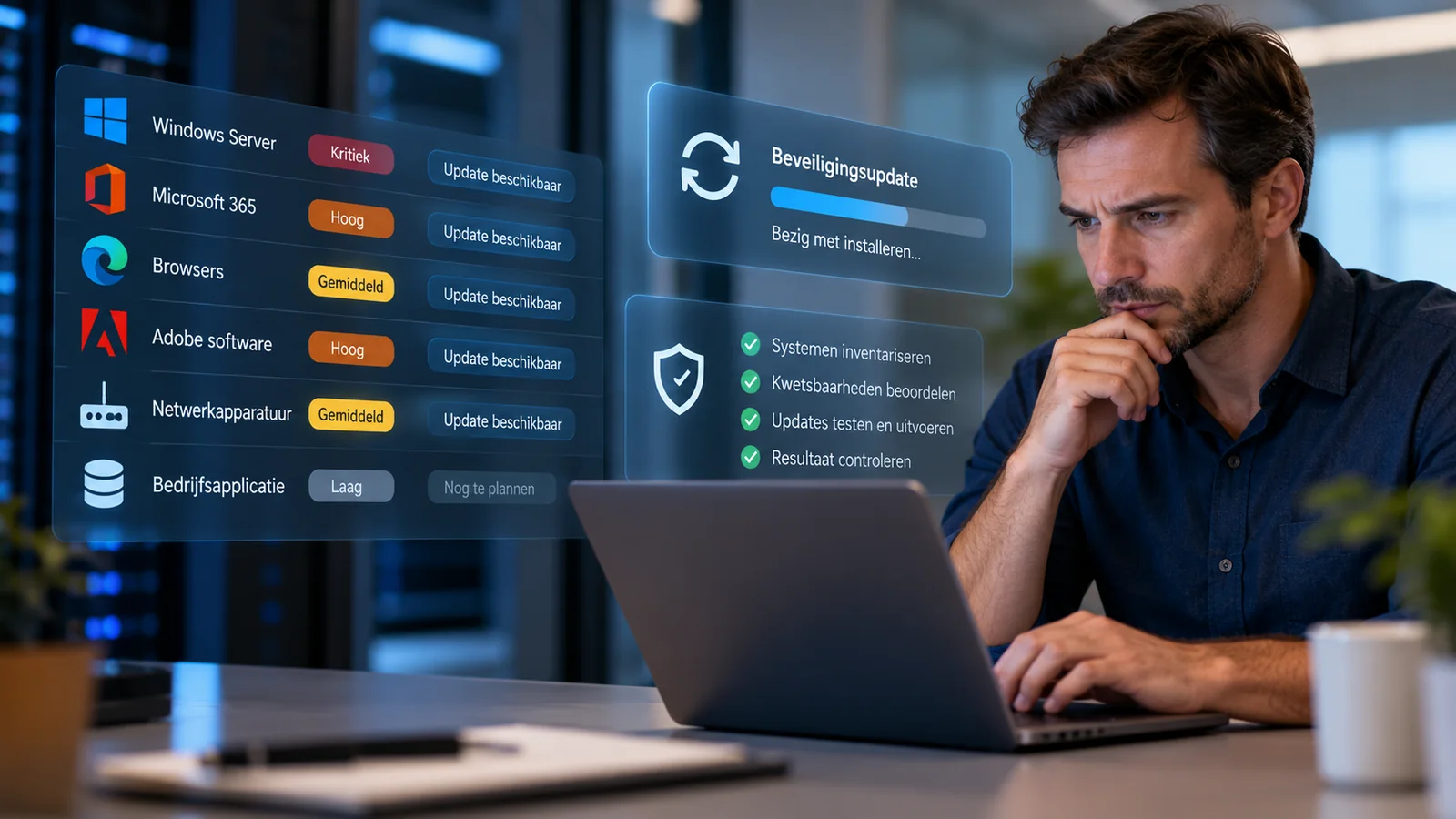
A controlled update process consists of four steps:
Take inventory
— Establish which systems, software versions and relevant updates are present.Assess
— Determine which updates are necessary and how installation may affect security and business operations.Prepare and implement
— Check dependencies, assess new software components and carry out the installation at an appropriate time.Verify and follow up
— Establish whether the update has been installed correctly, the application works and any security exceptions have been reversed.
Not every update can be installed immediately. When a vendor does not yet support a new version or an update could disrupt business operations, the remaining risks must be understood and, wherever possible, reduced through additional measures.
Installing updates also carries security risks
An important consideration is that updates can introduce new executable files, services or scripts. Allowing an application vendor to install and run these without additional checks creates a security risk that is often underestimated.
If a vendor can run new software without checks, an attacker who manages to exploit the same permissions or the update process may be able to do so too. Examples include stolen vendor accounts, misuse of administrator privileges or a compromised installation package.
Malenco therefore uses endpoint security based on a zero-tolerance principle. New or modified application components are not automatically trusted, even when they come from a known vendor. The security solution may block these components until it has been established that they are permitted to run.
This can be inconvenient for a vendor. Its update has been tested and approved for release, but that functional approval does not automatically mean that all new software components may run within the IT environment.
The solution is not to temporarily disable security. The vendor and IT administrator must jointly establish which components have changed and which can be allowed in a controlled manner. This enables necessary maintenance without undermining the existing protection.
In practice: an update to a production application
An approved update is still blocked
A manufacturing company uses a specialist application to plan and control its production process. The software vendor releases a new version that resolves a recurring issue and adds a requested feature.
During installation, endpoint security blocks several new application components. The vendor has tested and approved the update for release and therefore expects it to run without restrictions.
The IT administrator works with the vendor to assess which components have changed and whether they can safely be allowed to run. This includes considering the impact on production and the ability to revert to the previous version if problems arise. Endpoint security remains active.
The update can then be completed in a controlled manner, without requiring a blanket exception to the security policy.
This example shows that functional approval by a vendor and security within the IT environment are separate responsibilities. Cooperation between the two parties is precisely what makes responsible maintenance possible.
When updates are unavailable or cannot be installed
Not all vulnerabilities can be resolved with an update. Some systems are no longer supported, while others depend on specialist software for which the vendor has not yet released a suitable new version.
Replacement can be particularly disruptive in production environments. As long as a system continues to function, immediate action may not seem necessary. Yet new vulnerabilities may arise for which security updates will no longer become available.
In such situations, Malenco assesses which temporary measures are possible, such as restricting network access, tightening access rights or introducing additional monitoring. These measures can reduce risks, but do not always remove the need to eventually replace outdated systems.
It is important that these situations remain visible. It must be clear which risks remain, what measures have been taken and when a lasting solution will be possible.
Vulnerability management as part of responsible IT management
Vulnerability management and patch management are not isolated maintenance tasks. They are part of the ongoing work of safeguarding the security and reliability of the IT environment.
This requires an up-to-date inventory, visibility of known vulnerabilities and clear agreements with application vendors. It is also necessary to verify that updates have actually been applied and that systems still function correctly afterwards.
Not every technical finding is relevant to business owners. They must, however, be able to trust that significant security risks are identified, assessed responsibly and actually followed up.
Good IT management does not mean installing every update immediately. It means keeping known vulnerabilities under control and implementing necessary changes without unnecessarily jeopardising security or business continuity.